Location Set
Bondi Beach, NSW, Australia-33.891476, 151.277268Take-Off Spot NameUse the "zoom in" function to choose your take-off point
ContinueBondi Beach
0/1001/1002/1003/1004/1005/1006/1007/1008/1009/10010/10011/100
Wave height predictions for the spots you surf, measured against you.
Save a spot, and SurfSeer predicts how big the waves will be when they break there, what shape they will be, and the best time to go.
Coming soon to iOS and Android.
7-day free trial with one spot.
Example data. The app shows this for every hour of the next 7 days.
Many surf reports measure the back of the wave, or report swell height in open water. Both can be about half the height of the wave you see breaking.
Different reports also use different conventions, so the same number can describe very different conditions.
SurfSeer predicts the height of the wave as it breaks at your spot, then shows how that compares with your own height.
Set up a spot once. After that, open the app to see the prediction.
Drop a pin on the map or enter a plus code. SurfSeer analyses the coastline and the sea floor at that point.
Choose the wave type and size range you want, and add notes about the spot, such as the tide it needs.
See predicted wave height, shape, wind and tide for each hour of the next 7 days, with the best time marked.
Record how the waves compared with the prediction. SurfSeer adjusts future predictions for that spot.
Example data. Bondi Beach is used to show the steps; the forecast shown is not real.
From the current development build: the day view, a full spot forecast, and your list of spots.
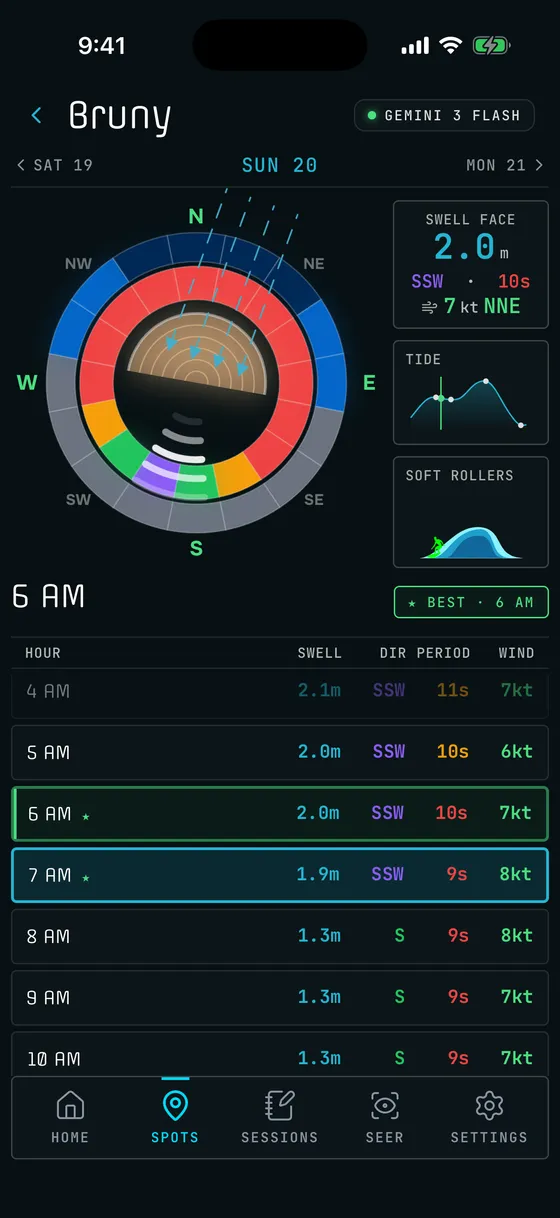
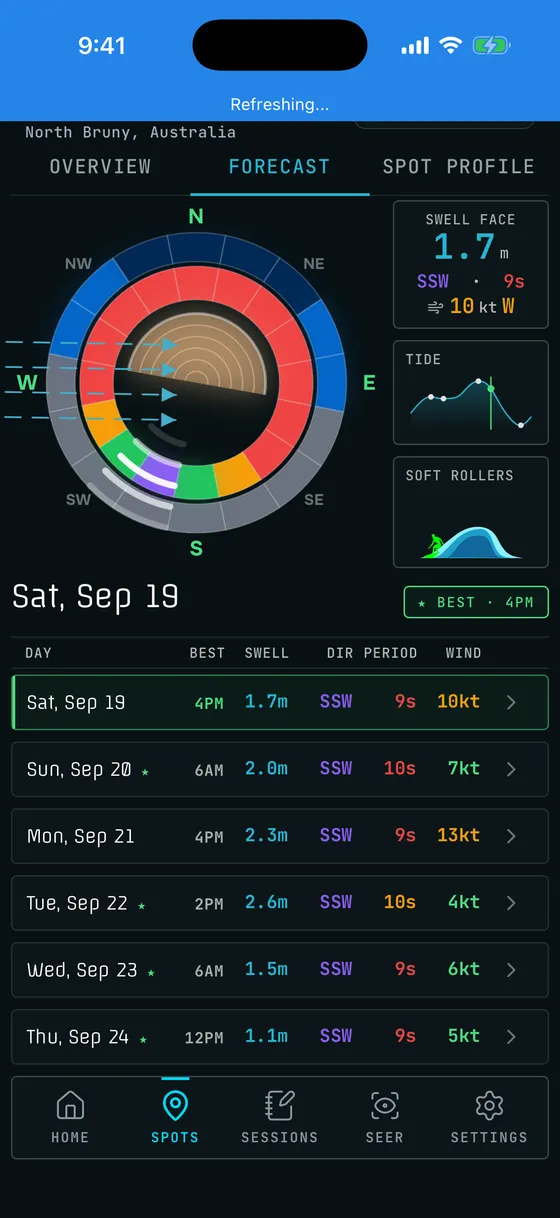
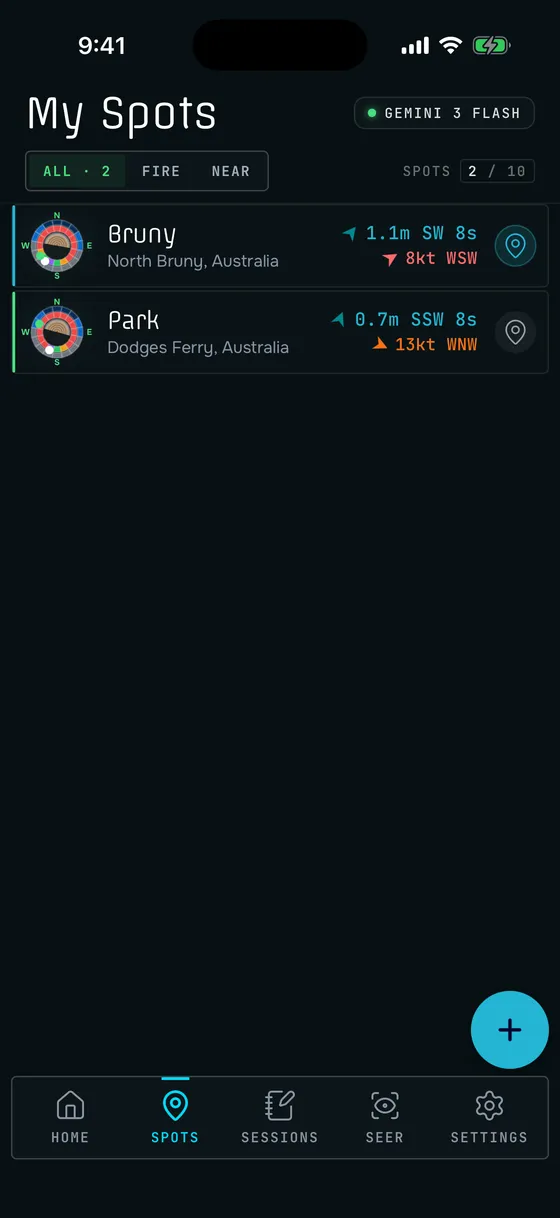
Screens from a development build, with the developer's own spots. Predictions are guidance, not a guarantee. Your own judgement in the water still comes first.
The Seer answers questions about your spots and writes a summary of the week. It connects to an AI provider you choose, with an API key you add. Predictions work without it.
Every new account starts with a 7-day trial and one spot. Every plan includes every feature. Plans differ only in how many spots you can save.
Every new account.
For a few regular spots.
For travel or a long stretch of coast.
Explorer from US$4.99 a month, Pro from US$9.99. Compare plans
Coming soon to iOS and Android. Start with a 7-day free trial.